PixLate launches to translate PDFs while preserving layout and artwork
The Product Hunt launch targets people localizing visual documents without rebuilding pages from scratch.
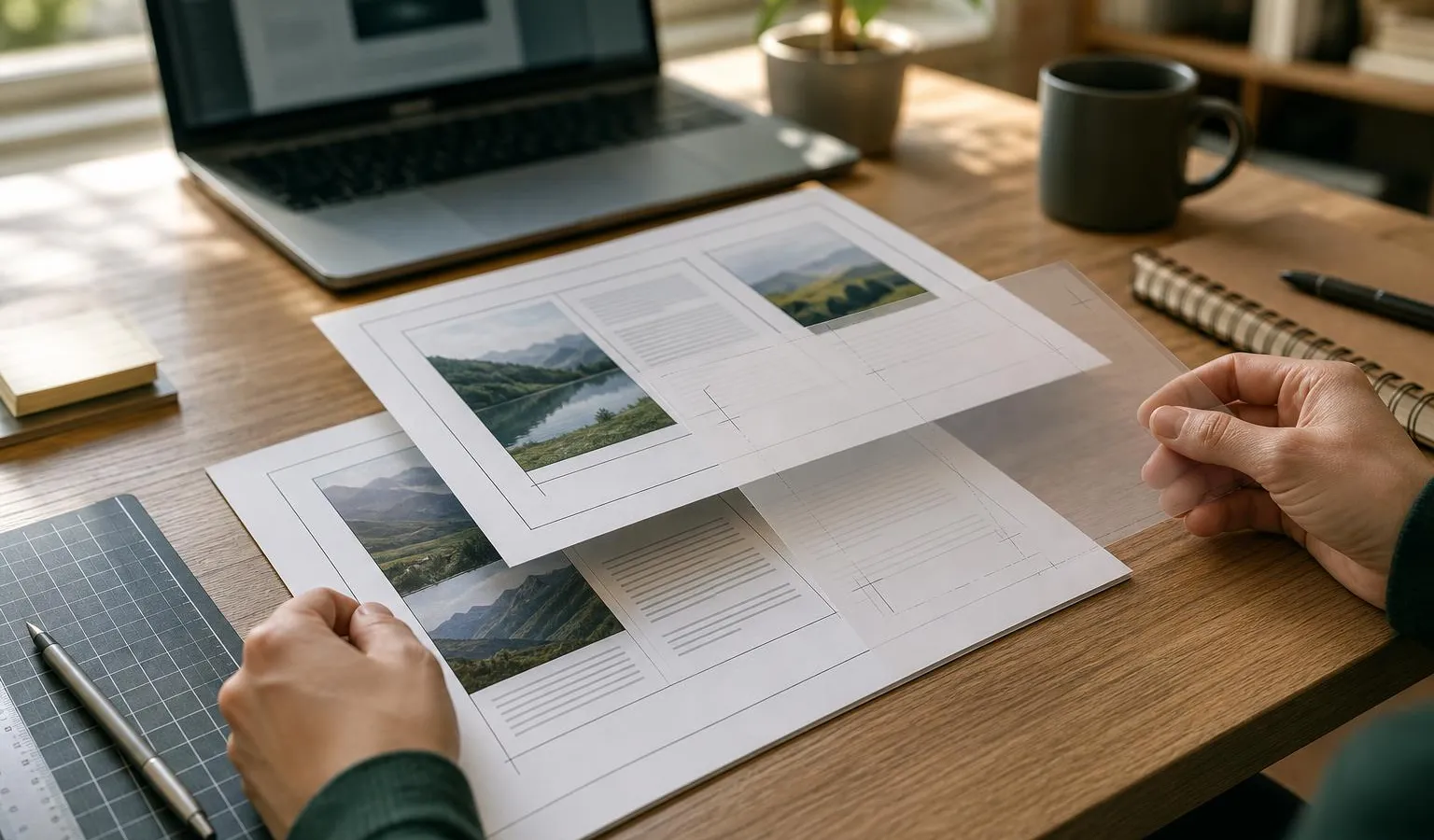
PixLate has launched on Product Hunt with a focused pitch: translate documents without wrecking the design. The tool is aimed at PDFs, scans and illustrated pages where artwork, typography and page structure matter as much as the translated text.
For creators, marketers and small teams, that matters because localization often breaks at the formatting stage. A translated brochure, comic page, manual or scanned diagram is only useful if the final file still looks like something you can send, publish or review.
What PixLate is built to translate
According to its Product Hunt listing, PixLate translates PDFs, scans and illustrated pages while preserving the original artwork and layout. The product combines AI translation with side-by-side review, correction tools, background processing and PDF export.
Maker Krishna Thapa said on Product Hunt that the idea came from trying to read illustrated children’s stories in Nepali and finding that standard translation tools made the pages hard to use by disrupting the layout and covering visual elements. That personal use case expanded into a workspace for visual documents such as comics, children’s books, scanned diagrams and technical manuals.
The product’s positioning is narrower than a general chat-based translator. PixLate is not just trying to produce translated text; it is trying to keep that text inside the visual context of the source document. That makes the launch relevant for anyone who handles designed assets rather than plain documents.
Review tools are part of the workflow
PixLate’s maker argues that AI translation still needs review, especially for visual documents. In the launch post, he pointed to common problems such as incorrect character names, missing small labels and misaligned text boxes.
The tool includes a side-by-side review workflow so users can compare translated pages with the original. The Product Hunt page says users can adjust styles, fix phrasing and export a finished PDF.
PixLate’s listed feature set includes:
- Layout preservation for artwork, formatting and typography
- Translation across more than 100 languages, according to the maker
- Visual AI for scanned artwork and comics
- A Text Layer mode for selectable vector PDFs
- Side-by-side review and correction before export
- Background processing for submitted documents
That human-in-the-loop approach is important for professional use. A marketer localizing a brochure, a freelancer translating client collateral or a small publisher adapting an illustrated document may not be able to accept a fully automated result without checking wording and layout. PixLate’s workflow appears designed around that review step rather than hiding it.
Local-first storage, cloud processing
PixLate is described as local-first and private. The maker says files stay stored on the user’s device, while cloud processing is used for AI generation. The listing also says projects stay on the device and that the product uses pay-as-you-go credits, with free credits included at sign-up.
The Product Hunt page gives some detail on the technical stack. Thapa said Google Cloud Run hosts a containerized FastAPI backend that coordinates Gemini-powered translation and image processing, along with authentication and credit billing. A separate Cloud Run worker handles background translations through Cloud Tasks.
Google’s Gemini is referenced in the launch comments as part of the translation backend, not as a standalone user-facing product in PixLate’s workflow.
The maker also said Cloud SQL stores account and job state, while Cloud Storage holds temporary processing files. He said this setup lets PixLate run without dedicated servers, scaling up with demand and scaling down during quiet periods. For readers tracking Google’s AI infrastructure and model ecosystem, that fits into a broader pattern of products building on Gemini services; we recently covered Google’s Gemini API activity in our report on Gemini 4 Argon pricing.
Where it fits for small teams
PixLate sits in a practical gap between translation tools and design tools. If the source material is plain text, a conventional translator or chatbot may be enough. If the job is a designed PDF, scanned page or illustrated document, the hard part is preserving the relationship between text, images and layout.
That is where PixLate’s focus could be useful. It may reduce the amount of manual rebuilding required after translation, especially for teams that lack in-house design or localization staff. The review interface also gives users a chance to correct AI output before sending a file to a client, colleague or audience.
The key question is how well PixLate handles messy real-world files: scans with uneven quality, dense labels, complex typography and documents where translated text expands beyond the original space. The launch page does not provide benchmarks or pricing details beyond the pay-as-you-go credit model, so prospective users will need to test it with their own documents.
For now, PixLate is best understood as a targeted productivity tool for visual localization. Its promise is not just translation, but avoiding the tedious design cleanup that often comes after it.
Frequently asked questions
What does PixLate translate?
According to the Product Hunt listing, PixLate translates PDFs, scans and illustrated pages while preserving artwork and layout.
Does PixLate include review tools?
Yes. The listing says PixLate includes side-by-side review, correction tools, background processing and PDF export.
Where are PixLate projects stored?
The Product Hunt listing says projects stay on the user’s device, while cloud processing is used for AI generation.