Kling AI 4.0 adds stereo audio, lip sync and Flash variant
Kling AI’s new video model focuses on longer clips, tighter reference control, multilingual speech and a faster lower-cost option.
Kling AI has released version 4.0 of its AI video generator, adding longer single-pass clips, stereo audio, multilingual lip sync and a lighter Flash variant aimed at faster, lower-cost creation. For creators and marketing teams, the update is less about one headline feature and more about making AI video easier to direct, localize and fit into production workflows.
Longer clips and more control over the shot
Kling 4.0 can generate up to 30 seconds of video in one pass, according to the company. That matters for creators who have been stitching together shorter AI clips to make product demos, social ads or story-driven sequences.
The model also accepts up to ten keyframe images as inputs. Kling AI says these can be used to define scene transitions, character states and story beats, giving users a more structured way to guide a clip instead of relying only on text prompts.
Prompt comprehension has been expanded to 8,000 tokens. In practical terms, that gives users more room to describe camera movement, character behavior, scene continuity and brand-specific instructions without compressing everything into a short prompt.
Kling AI is also updating its Omni Reference system. The company says it can use up to 15 reference assets in a generation, with supported materials including images, videos, storyboards, wireframes, image grids, white-model videos and depth-map videos. For teams that already storyboard campaigns or pre-visualize shoots, this could make the model more useful as a production planning tool rather than only a prompt-to-video toy.
Creative Recreation targets template-based edits
A new Creative Recreation feature lets users use an existing video as a template and replace products or characters, according to Kling AI. The company says specific parts of a clip, such as facial expressions, body movement, camera angles or backgrounds, can be adjusted without changing the rest of the video.
That is especially relevant for small businesses and agencies producing variations of the same concept. A product video could potentially be adapted for different items, markets or campaign concepts without starting from a blank prompt each time.
The practical caveat is rights and approvals. If teams are using existing footage as a template, they still need to be clear about what they own, what they are allowed to modify and how synthetic versions will be disclosed or reviewed internally.
For readers comparing the broader market, Kling sits in a busy field of AI video tools alongside products covered in our AI video generators guide. The Decoder notes that Kling 4.0 was compared with Wan 3.0 and Seedance 2.5 from Chinese competitors, and says Kling performed competitively but did not clearly move ahead, especially on logical shot sequencing, physics and natural-sounding dialogue.
Audio, lip sync and localization get attention
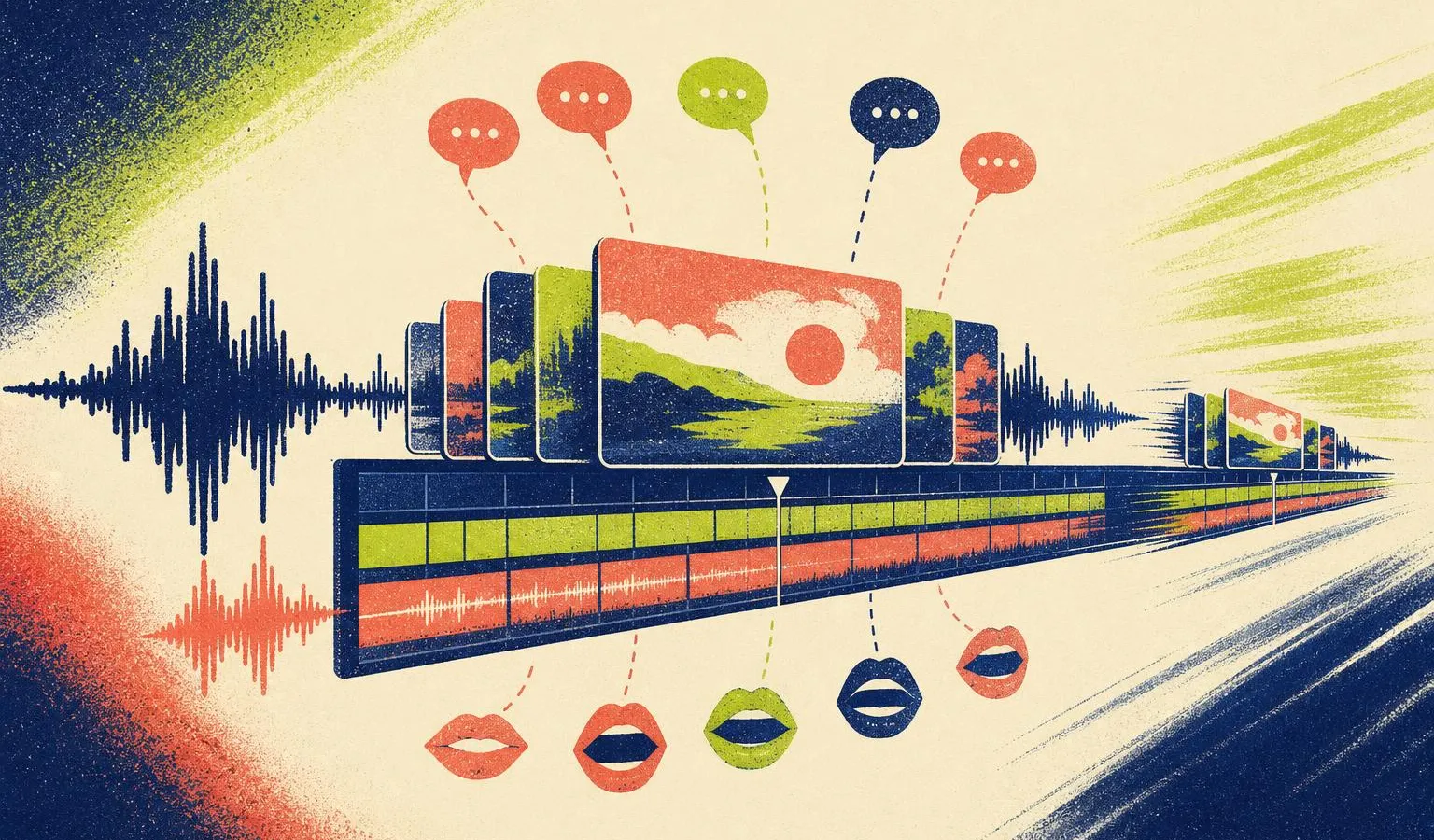
Kling 4.0 adds two-channel stereo audio. It also improves lip sync across more than ten languages, according to the company, including German, English, Japanese, Korean and Spanish, along with dialects and accents.
For creators, that points to a more direct path from generated video to localized social content. Instead of making a silent clip and handling voice, timing and mouth movement elsewhere, Kling is trying to bring more of that work into the generation layer.
The update also extends in-video text generation to multiple languages. Kling AI says text remains stable during camera movement, which is important for ads, explainers and product shots where labels or signs can become distracting if they flicker or mutate.
Some announced capabilities are not here yet. Kling AI lists 10-bit HDR output at 4K and 1080p as coming soon, along with a video extension function that would stretch clips up to two minutes.
Flash variant and workflow access
Alongside the main Kling 4.0 model, the company is releasing Kling 4.0 Flash. Kling AI describes Flash as a lighter version designed for faster generation at lower cost, though it is capped at 720p and 20 seconds of video.
That trade-off could make sense for creators testing concepts, building rough cuts or generating multiple ad variants before committing to higher-quality output. It may be less suitable when the final deliverable needs higher resolution or longer continuous scenes.
Kling AI has also redesigned the creation interface. The model can now be accessed through MCP and CLI, which the company says enables automated workflows with AI agents. For freelancers and small teams, that could eventually mean more repeatable pipelines for generating draft videos, variations or localized assets.
There are still missing business details. Kling AI has not announced API pricing for version 4.0, and API support is listed as coming soon. Until those details arrive, teams planning production workflows will need to treat the update as promising but not fully costed for scaled use.
Frequently asked questions
How long can Kling AI 4.0 generate video in one pass?
According to Kling AI, version 4.0 can generate up to 30 seconds of video in a single pass.
What is Kling 4.0 Flash?
Kling 4.0 Flash is a lighter variant designed for faster generation at lower cost, with output capped at 720p and 20 seconds of video.
Does Kling AI 4.0 support multilingual lip sync?
Yes. Kling AI says version 4.0 improves lip sync across more than ten languages, including German, English, Japanese, Korean and Spanish.