ChatGPT adds Locked Chats for PIN and biometric privacy
OpenAI is rolling out a way to hide selected ChatGPT conversations behind a PIN, Face ID or Touch ID, with important limits on what that protects.
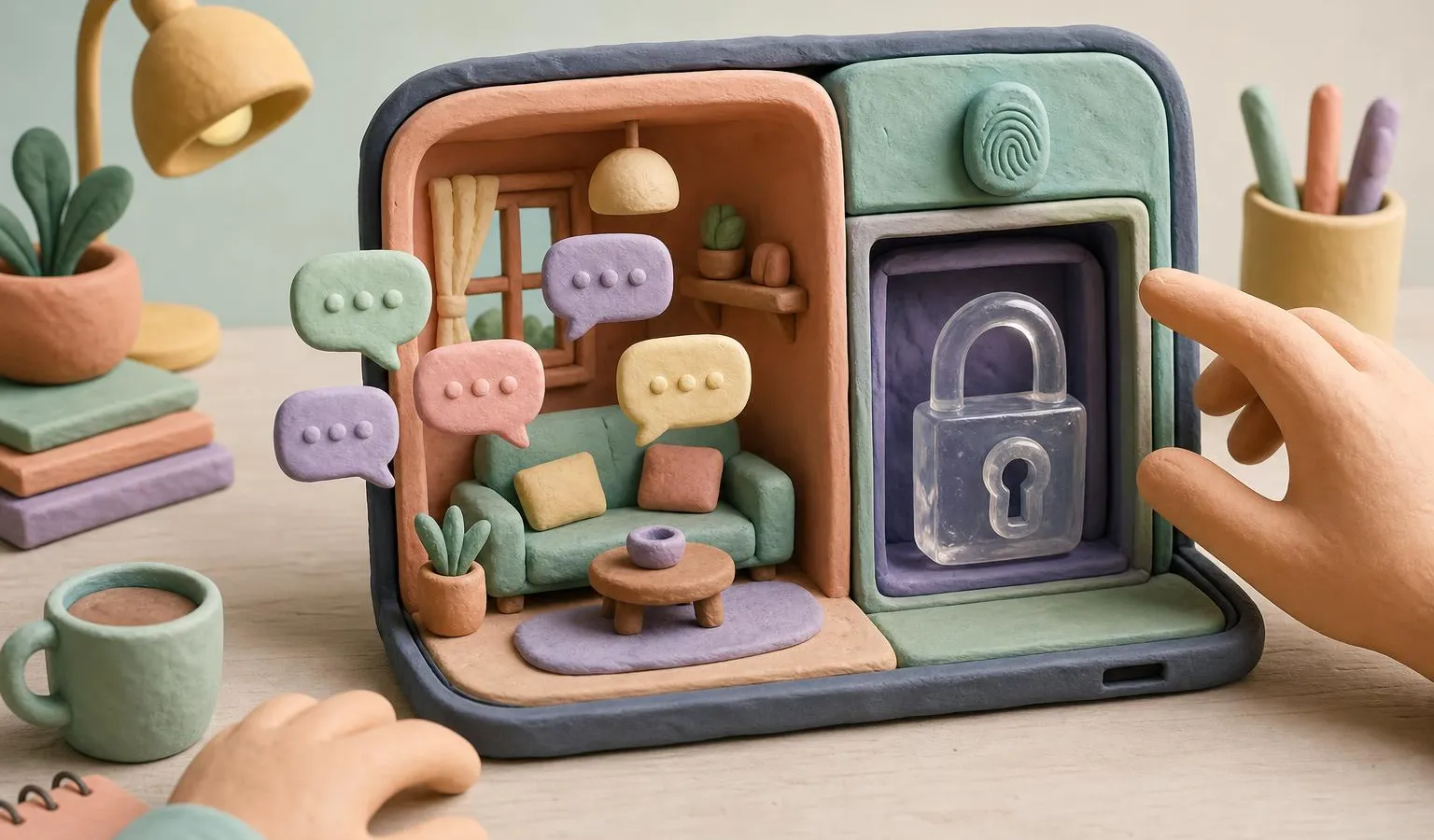
OpenAI is adding Locked Chats to ChatGPT, giving users a way to keep selected conversations out of view when someone else has access to their screen or device. The feature matters for anyone using AI for personal planning, sensitive brainstorming or client-related work, because it separates those chats from the main history without making them a separate encrypted store.
According to TechCrunch, OpenAI announced the feature on Tuesday and is starting to roll it out across most ChatGPT plans. The company says users may not see it immediately.
How Locked Chats work
Locked Chats let users protect individual ChatGPT conversations with a four-digit PIN. On supported devices, users can also use Face ID or Touch ID.
This is different from Temporary Chats. Temporary Chats are separate sessions that do not appear in chat history, while Locked Chats are conversations users can return to later. Once a conversation is locked, it moves into a dedicated Locked Chats area instead of staying alongside regular history.
ChatGPT is increasingly used as a place for ongoing work and personal conversations, not just quick prompts. For creators, marketers and freelancers, that can mean drafts, campaign ideas, client notes, research trails or private planning all sitting in the same app. Locked Chats are aimed at a narrower problem: keeping certain conversations from being casually visible when a device is shared or shown to someone else.
OpenAI says the feature is meant for situations such as discussing personal topics or planning a surprise, where a user may still want to hand over their device to show a different chat.
What the lock hides, and what it does not
The new control changes how locked conversations appear inside ChatGPT. Locked Chats are kept apart from regular chat history, pinned conversations and chat search results.
That separation is useful, but OpenAI also outlines several limits. Locking a chat does not:
- create end-to-end encryption;
- create a separate encrypted vault;
- change how long OpenAI retains the chat;
- remove information that ChatGPT remembered before the chat was locked;
- change the “Improve the model for everyone” setting.
Those caveats are important for business users. A locked conversation can reduce exposure to someone looking at the app on your device, but OpenAI says it does not change the underlying retention or model-improvement settings. In other words, it is a privacy feature for local visibility inside the product, not a new data-handling mode.
For teams that already have policies about what can be put into AI tools, Locked Chats should not be treated as permission to enter more sensitive material. It is better understood as a way to keep the ChatGPT interface cleaner and less exposed during everyday use.
Memory is separated inside Locked Chats
OpenAI says Locked Chats have their own separate memory when Memory is enabled. That memory is shared across conversations within the Locked Chats section.
New messages sent after a chat is locked can update this locked-chat memory, but they do not update regular Memory. According to the company, this means new information from locked chats will not carry over into regular chats.
That distinction could matter for users who rely on ChatGPT’s memory across projects. A locked conversation can develop context inside the locked area, while keeping newly added details from surfacing in the normal chat experience. However, OpenAI also says locking a chat does not remove information ChatGPT had already remembered before the chat was locked.
There is also a high-stakes recovery detail: OpenAI says resetting a PIN permanently deletes all locked chats, files and other content protected by the previous PIN. Users should treat the PIN as more than a simple access code, because losing it can mean losing the protected material.
Availability and exclusions to watch
Locked Chats will be available to users on ChatGPT Free, Go, Plus, Pro, Business, Enterprise and Edu plans, according to OpenAI. The company says it is not available on ChatGPT for Healthcare.
The feature also has several conversation types where it cannot be used. OpenAI says Locked Chats are not available for temporary chats, archived chats, group chats, chats created from a shared link, chats with scheduled tasks or chats with meeting recordings.
For readers comparing AI assistants, privacy and memory behavior are becoming part of the product decision alongside model quality and integrations. Emonarc’s ChatGPT vs Claude vs Google Gemini buying guide covers the broader assistant landscape, while recent ChatGPT updates such as its Chrome extension using open tabs as context show how much more personal and work-adjacent the tool is becoming.
The practical takeaway is simple: Locked Chats can help when the risk is someone glancing at your ChatGPT history on your device. They do not, based on OpenAI’s own description, replace careful data practices for confidential client work, regulated information or anything your organization has told you not to enter into AI systems.
Frequently asked questions
What are ChatGPT Locked Chats?
Locked Chats are ChatGPT conversations that can be protected with a four-digit PIN, or with Face ID or Touch ID on supported devices, and kept in a separate Locked Chats section.
Do Locked Chats add end-to-end encryption?
No. OpenAI says locking a chat does not create end-to-end encryption or a separate encrypted vault, and it does not change retention or the “Improve the model for everyone” setting.
Which ChatGPT plans will get Locked Chats?
OpenAI says Locked Chats will be available on ChatGPT Free, Go, Plus, Pro, Business, Enterprise and Edu plans, but not on ChatGPT for Healthcare.